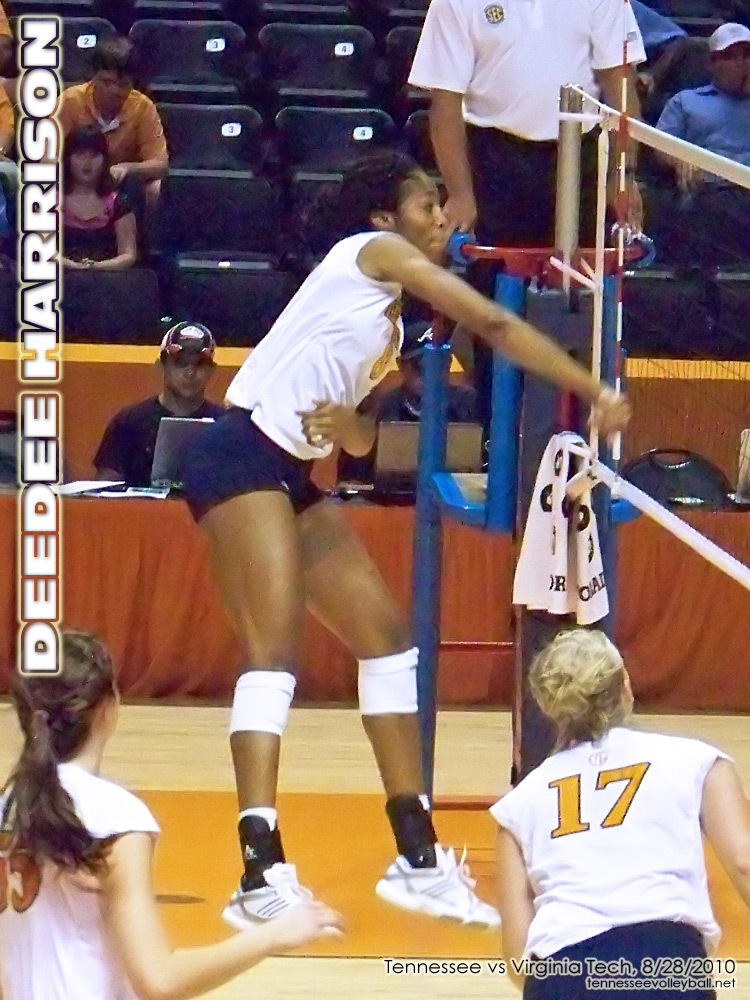
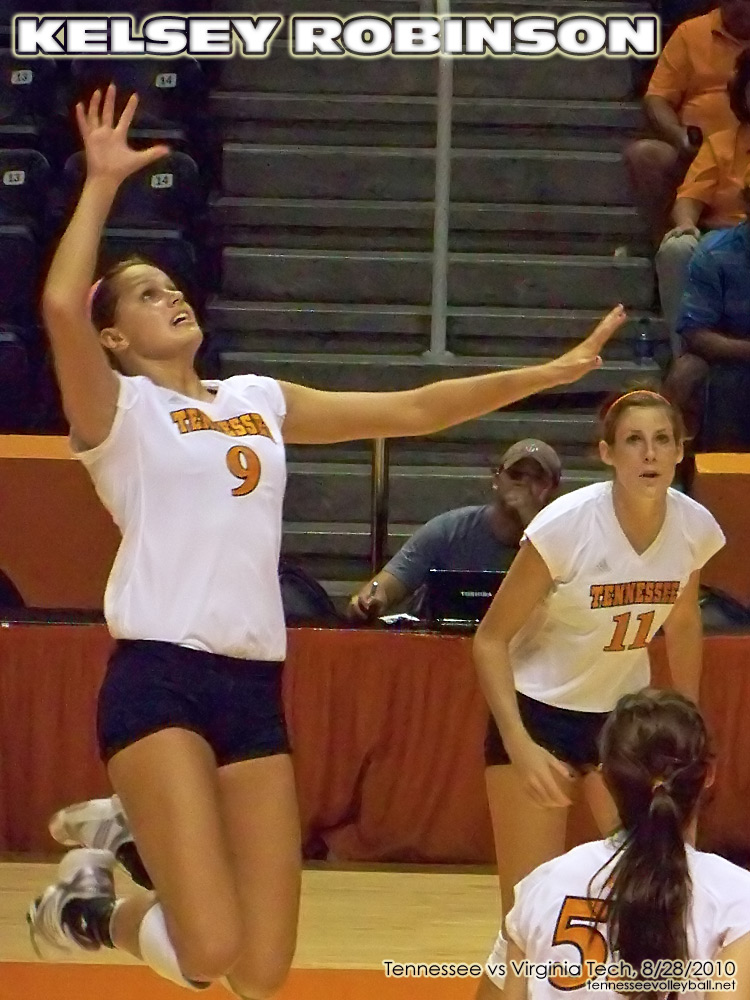
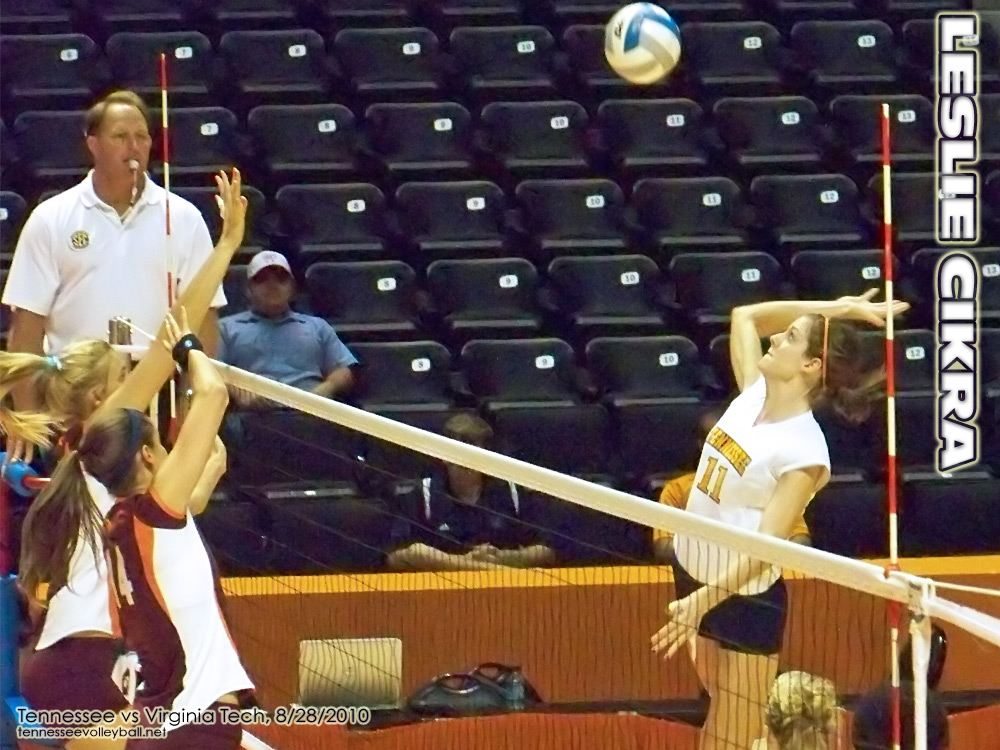
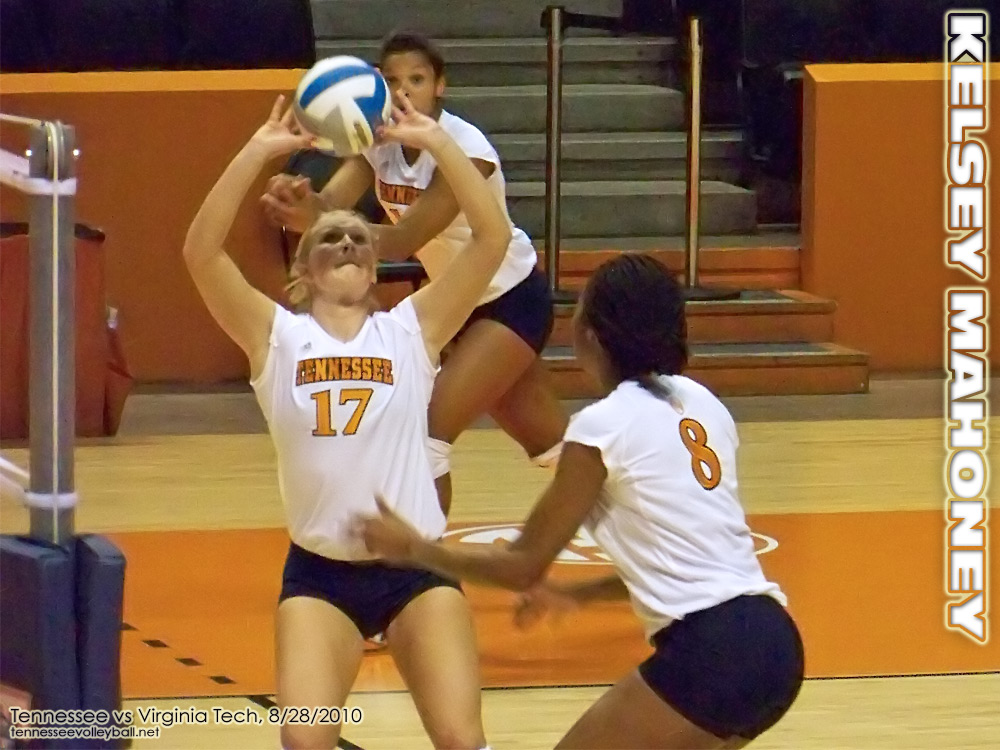
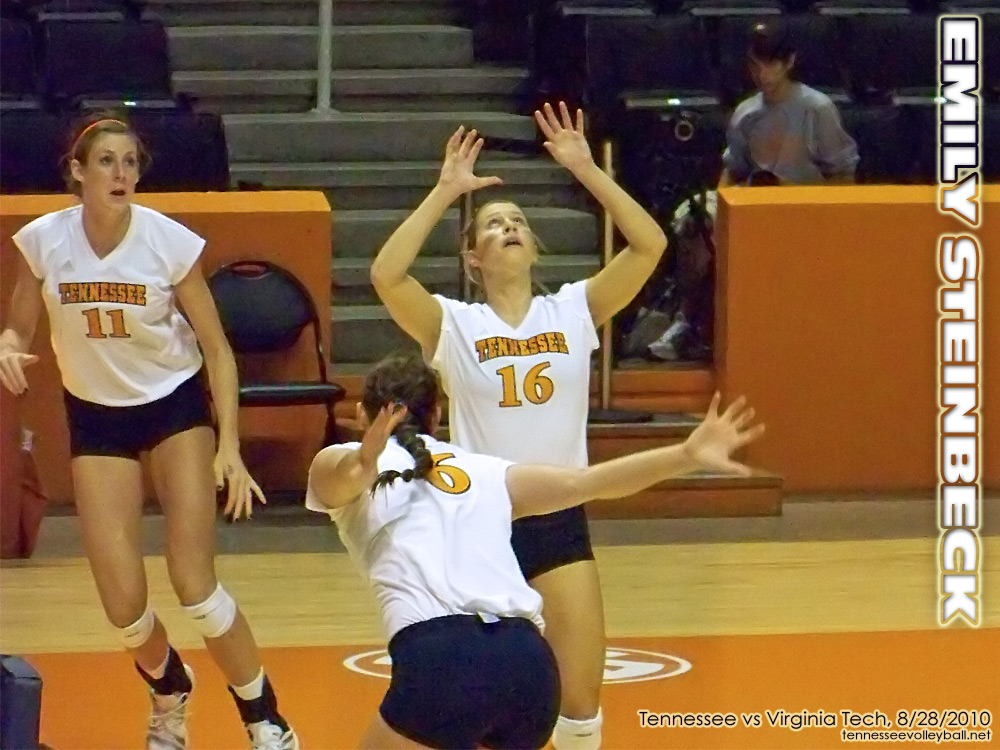
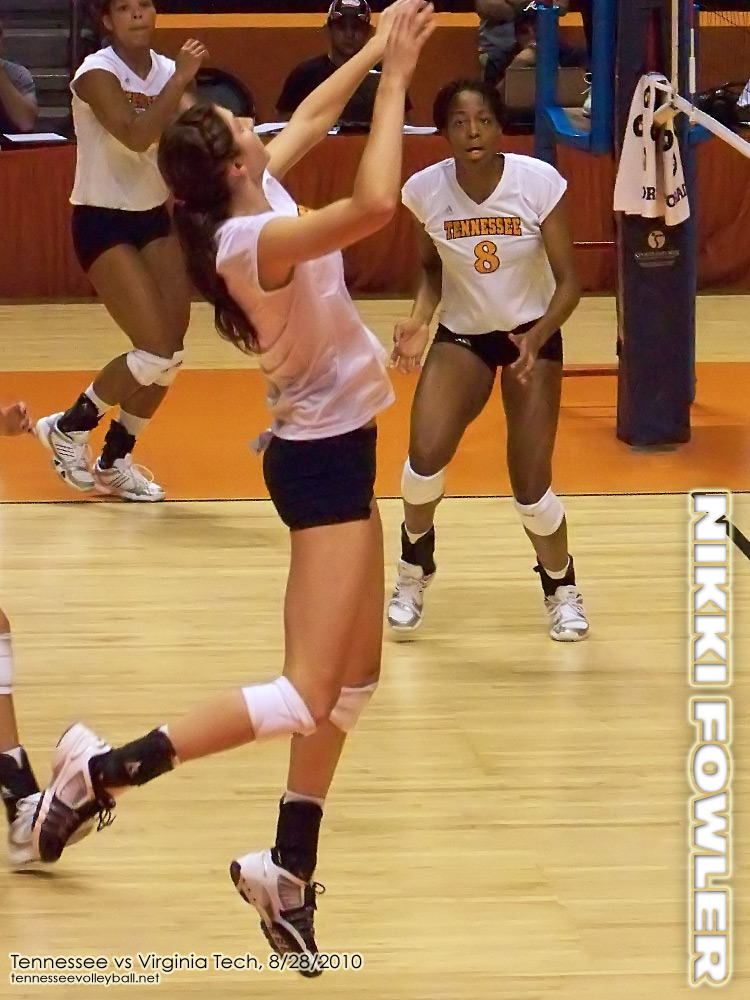
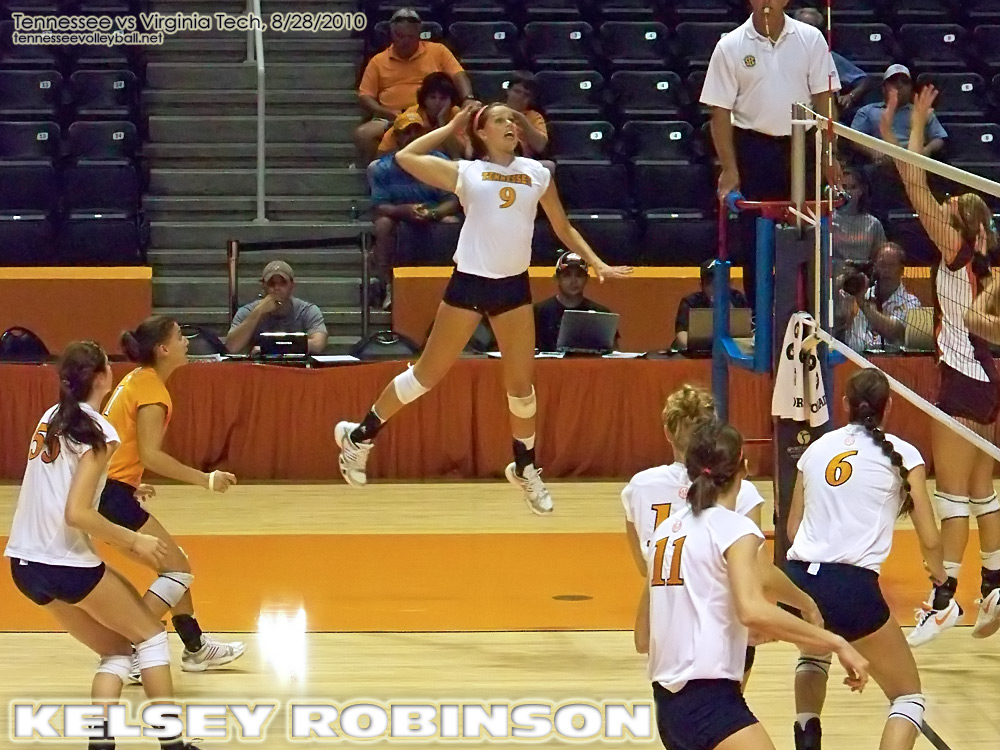
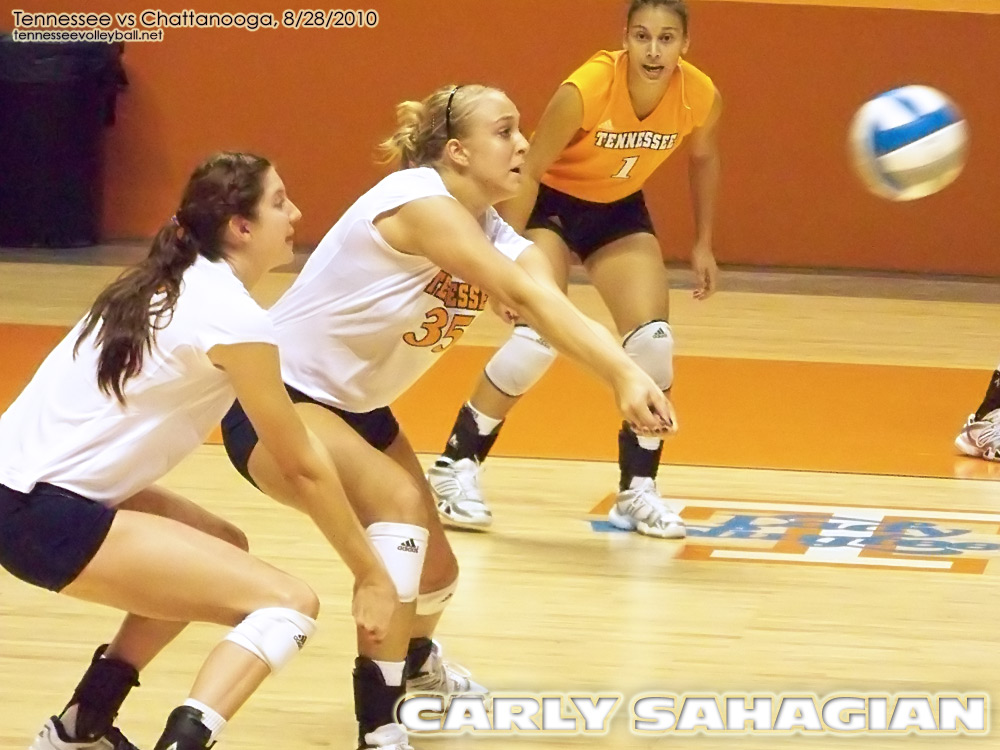
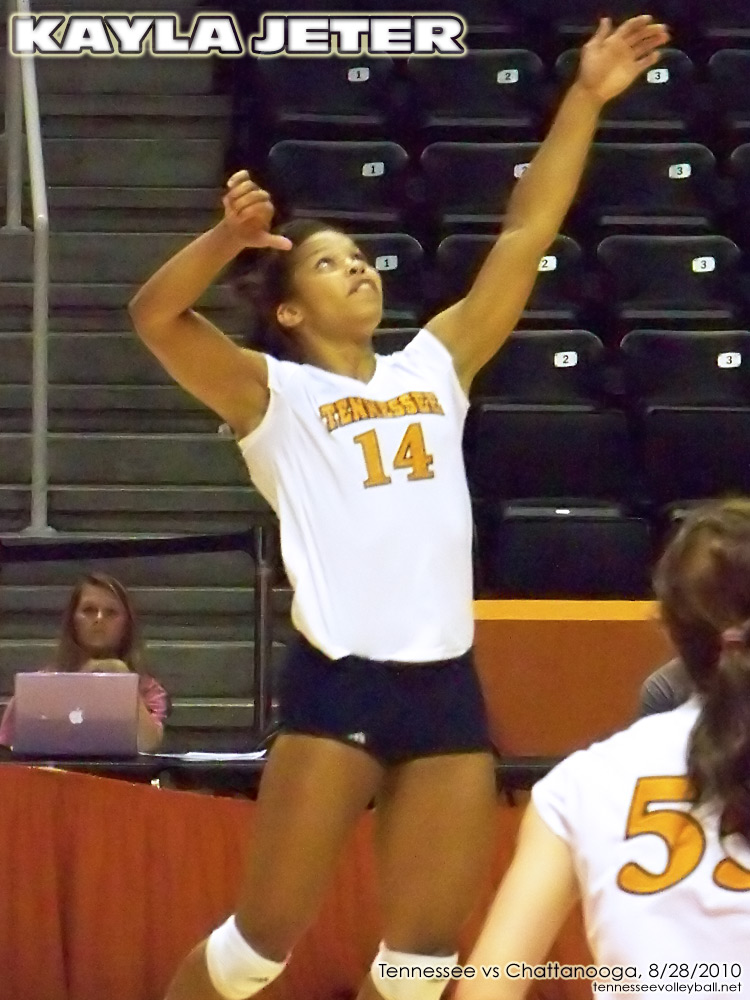
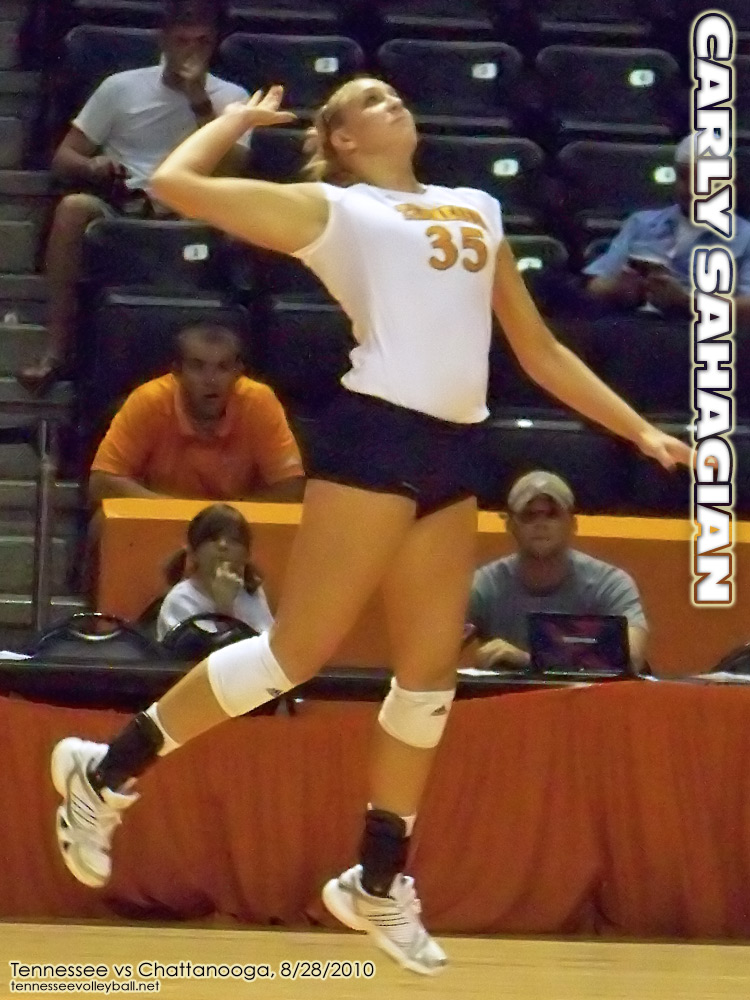
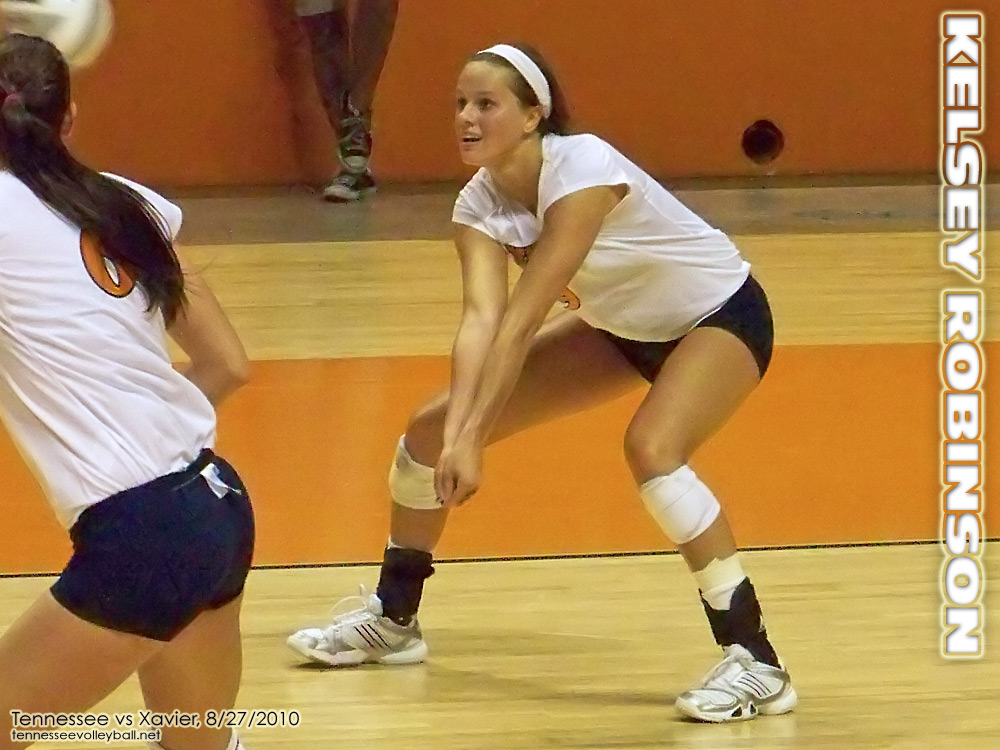
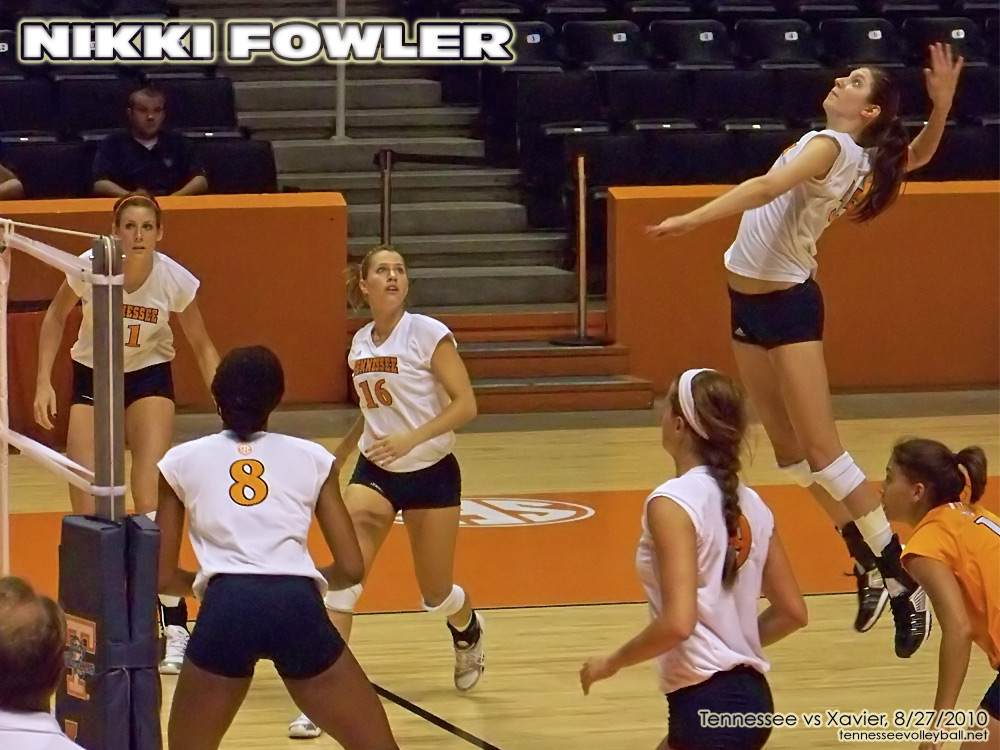
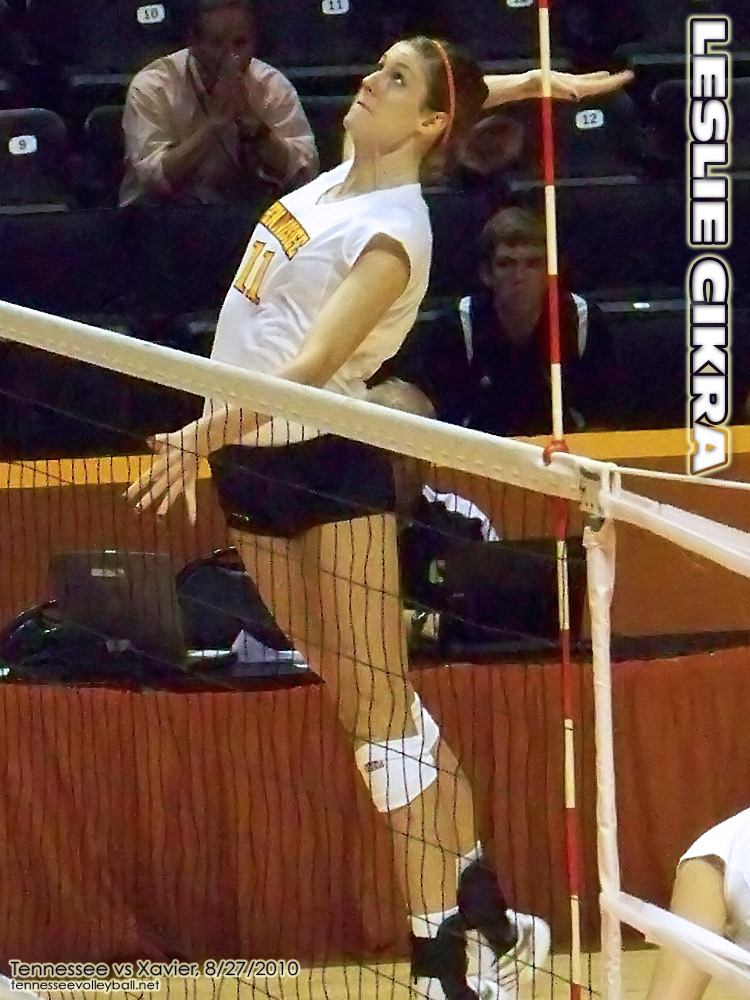
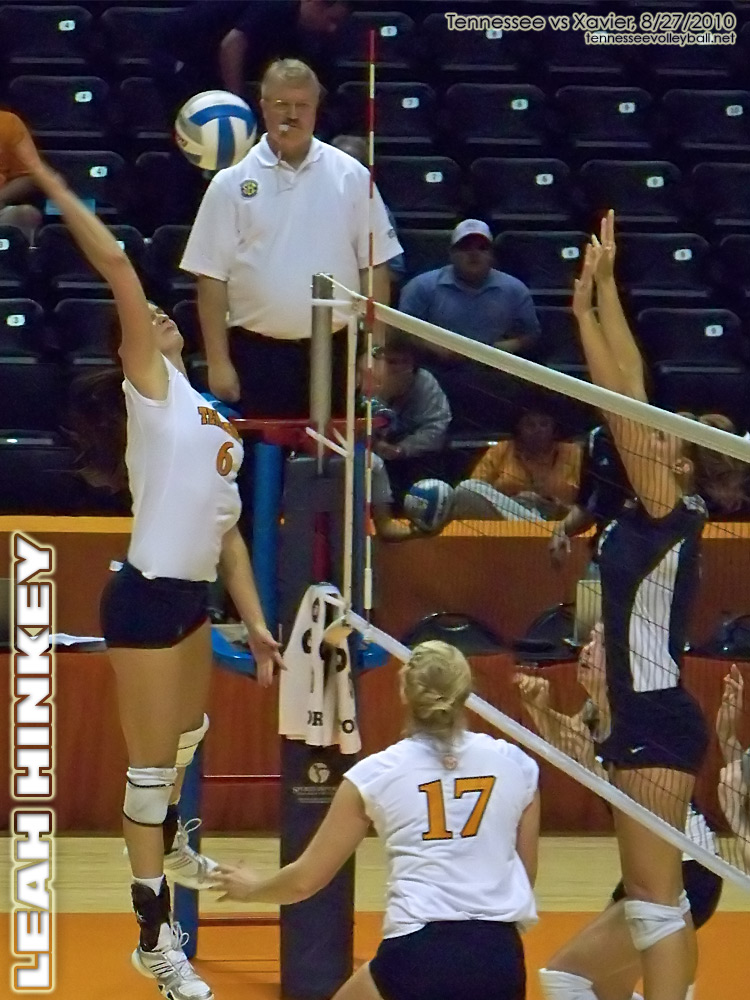
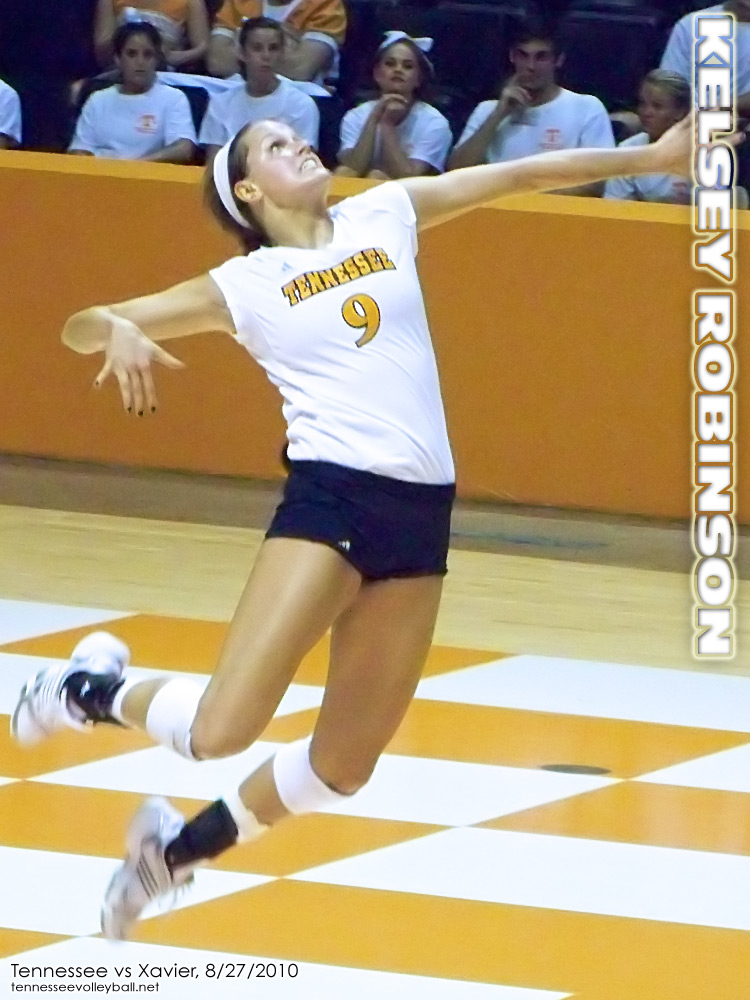
I’m using some new photo viewing code this year. Let me know if it doesn’t work with your browser.
• Click an image to enlarge it to the size of your browser window.
• Click left and right on the large image or on your keyboard to view all images as a slideshow.
• If you want to save a copy of the large image either: (1) drag and drop the large image directly to your desktop; (2) right click the small thumbnail images and choose “Open link in new window” then save to your desktop; or (3) use this link to see a list of the files and download from there.